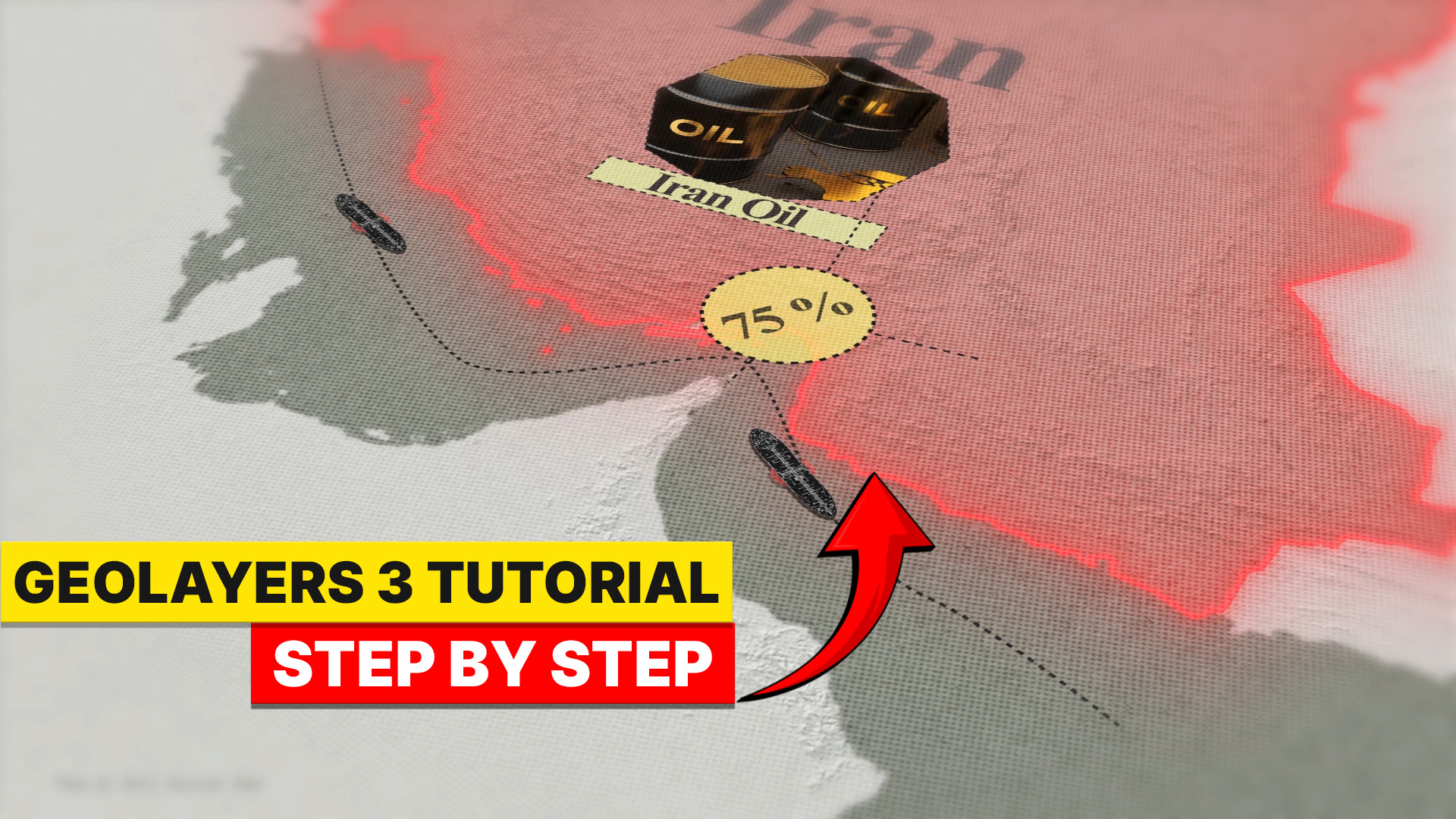
GeoLayers 3 Iran Oil Route MAP ANIMATION
A cinematic step-by-step tutorial on creating a broadcast-quality geopolitical map animation inside Adobe After Effects — with free project file.
GeoLayers 3 Map Animation in After Effects | Iran Oil Route Animation Tutorial (Step by Step)
Why This Tutorial
Changes Everything
Animated maps are the language of modern visual storytelling. This tutorial teaches you to create them at a broadcast level — using real geographic data, cinematic camera moves, and professional motion design principles.
Whether you're making a YouTube documentary, a news explainer, or a corporate presentation, a dynamic map animation instantly elevates your content from amateur to professional. The Iran Oil Route is a real-world geopolitical subject — one of the most strategically important shipping corridors on the planet — making it the perfect canvas for learning GeoLayers 3 in a meaningful, practical context.
This isn't just a "click here, drag there" tutorial. It walks you through the thinking and strategy behind professional map animation — zoom pacing, route storytelling, label timing, camera choreography, and final color grading.
What You'll Learn
Installing & Setting Up GeoLayers 3
Configure the plugin inside After Effects, connect your map tile API, and create your very first Mapcomp — the foundation of every map animation project.
Choosing the Right Map Style
Select a dark, high-contrast cartographic style suited for geopolitical storytelling. Adjust colors, opacity, borders, and hillshading for that cinematic broadcast look.
Plotting the Iran Oil Route
Use GeoLayers' geographic search and manual coordinate input to map the exact oil corridor — from Iranian terminals through the Strait of Hormuz and across the Arabian Sea.
Route Animation with Trim Paths
Apply After Effects' Trim Paths to create a smooth, controlled draw-on route animation. Master timing and easing to guide the viewer's eye naturally along the corridor.
Cinematic Camera Movement
Animate the map's zoom, pan, and pitch to follow the route with cinematic fluidity. Use the Graph Editor and Easy Ease keyframes for smooth, broadcast-quality transitions.
Adding Labels & Location Markers
Place animated text labels on key ports, cities, and strategic waypoints. Learn to use GeoLayers' label templates alongside custom After Effects text animations.
Final Polish, Color Grading & Export
Add vignettes, color correction, and subtle grain for a cinematic finish. Export in the correct format for YouTube, broadcast, or further post-production in Premiere Pro.
"A great map animation doesn't just show where something is — it makes your audience feel the weight, the distance, and the geopolitical significance of every mile of the journey."
Get the Project File
Download the AE Project
The complete After Effects project file from this tutorial — fully layered with Mapcomp, route animations, label templates, and all camera keyframes. Open it, study it, and make it your own.
Free download · No sign-up required · Google Drive
Ready to Create
Your Map Animation?
Watch the full step-by-step tutorial and start building professional map animations today — completely free.